Guides · New Premises
Card Payments Before Opening Day: Setting Up to Take Payments in a New Unit
Key takeaways
- Start the application when you have a completion date for the lease, not when you have the keys. The provider’s checks and the terminal delivery both take time.
- An empty unit often has no live internet connection. Order the line early, and have a mobile fallback for day one.
- You cannot add a surcharge for paying by consumer card, and card details never go in your own files. The provider’s compliance process covers the rest.
- Take a live test sale and a refund before you open, on the terminal and the till together.
Of everything on the list for a new unit, card payments is the task that looks like a phone call and turns out to have a lead time. The provider has checks to run before an account opens. The terminal has to be delivered and set up. The unit needs an internet connection that may not exist yet. And the machine has to talk to the till. None of this is hard, but each step waits on the one before it, and the first customer does not wait for any of them. This guide puts the steps in order.
Why this has a lead time
Our main checklist puts card payments in the window between signing and opening, with the other tasks that have a clock on them. Four steps run in sequence.
- The application. A payments provider is regulated and has to verify who you are and what the business does before it opens an account. That means documents, and a check that can take days.
- The terminal. Delivered, registered to your account and set up on your connection. Some providers can do this in a day once the account is open; others take longer.
- The connection. The terminal needs the internet, and the unit may not have it. Covered next.
- The till. If the terminal is to take amounts from your EPOS rather than having them typed in, the integration has to be set up and tested.
Start at step one as soon as you have a completion date for the lease. Everything else on the premises list, from the fire risk assessment to the signage, can run in parallel.
The connection comes first
A unit that has stood empty usually has no live broadband. The previous tenant’s line was ceased, and a new one needs an order, an engineer visit and sometimes new cabling into the building. In a multi-let building the cabling may cross the landlord’s parts and need consent under the alterations clause, and the provider may ask for a wayleave. Order the line the week you exchange, and ask the landlord at the same time whether there is an existing route.
For opening day, have a fallback. Most terminals can run on Wi-Fi from a mobile router or on a built-in mobile connection, which is also the answer for outside tables, market stalls and deliveries. The terminal’s connection is a separate question from the one your till and your music use, so check the coverage at the counter, not at the door.
What the provider will ask for
Expect to provide proof of identity and address for the owners, the business registration details, the premises address, the bank account the takings will be paid into, and a description of what you sell and the card turnover you expect. The premises address matters because it is the address the terminal is registered to and the one that appears on customers’ statements. Have the lease or the completion statement to hand. If you are taking payments before the lease completes, for deposits or pre-orders, say so, because the application may need a different address until you move in.
Countertop, portable or mobile
The choice is set by the premises, not the price list.
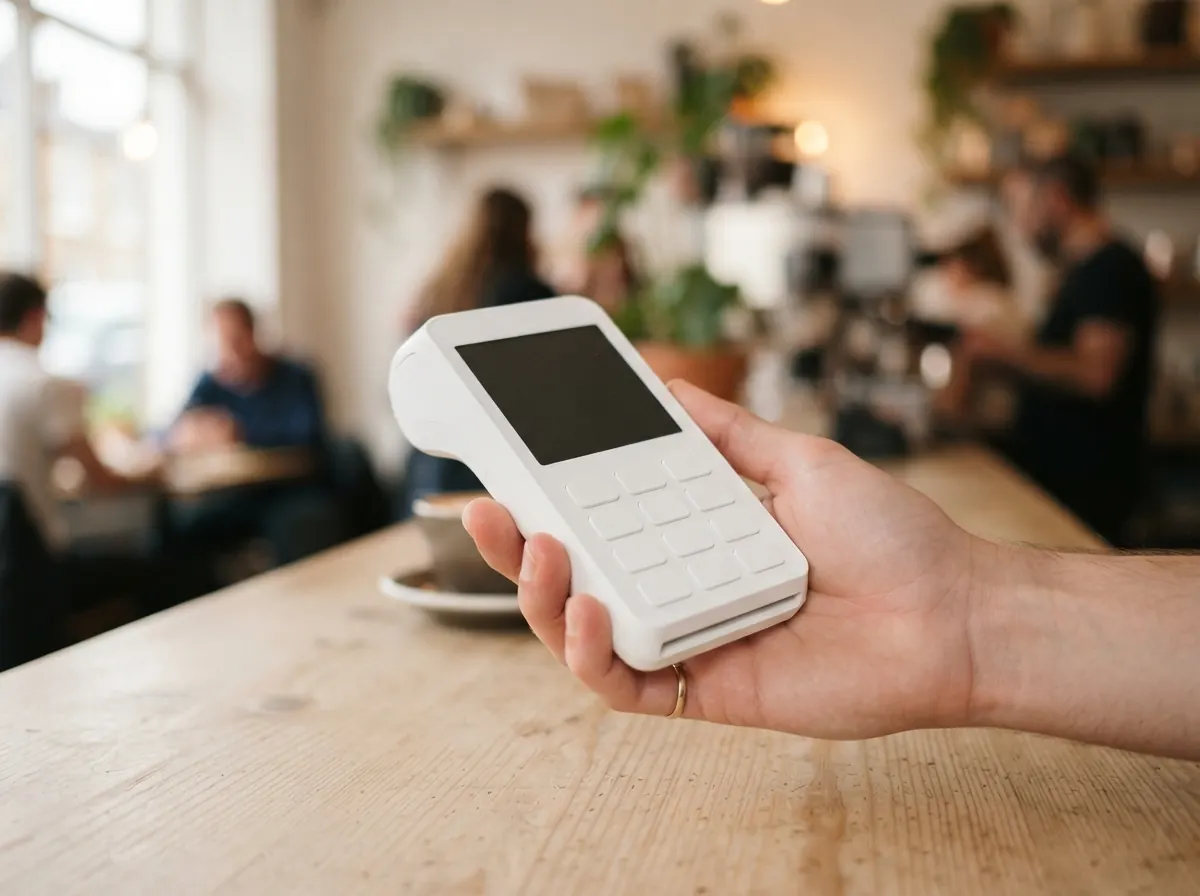
- Countertop. Sits at the till on mains power and a fixed connection. Right for a shop or a salon desk where every sale happens in one place. Needs a socket and a connection point at the counter, which is a fit-out question.
- Portable. Runs on a battery and the unit’s Wi-Fi, so it can go to the table. Right for cafés, restaurants and anywhere customers pay where they sit. Needs Wi-Fi that reaches every table, including outside.
- Mobile. Uses its own mobile connection, so it works away from the premises: deliveries, events, a stall, or a gym instructor taking a class fee. Also the right fallback for opening day if the broadband is late.
A business with a counter and tables usually needs one countertop and at least one portable. Order them together so they sit on the same account.
Card Payments
Get a quote from DOJO
We have partnered with DOJO, the UK’s No.1 payments provider. Tell us about your business and get a quote for the card machine and set-up, with next-day payouts and integration with the till you choose.
Connecting to the till
A terminal that is not connected to the till means every sale is typed twice: once into the EPOS and once into the card machine. The two numbers drift, the end-of-day reconciliation does not balance, and typing errors become refunds. An integrated terminal takes the amount from the till, so the sale is recorded once and the card payment is matched to it automatically. Before you choose an EPOS, check that the payment provider integrates with it, and before you open, test the integration with a real sale rather than a demo. DOJO integrates with over 450 EPOS systems, which covers most of what a café, shop, salon or gym will choose.
The rules that apply from the first transaction
No surcharges. Under regulation 6A of the Consumer Rights (Payment Surcharges) Regulations 2012, a business cannot charge a consumer more for paying by card than by any other method. A minimum card spend is allowed; a card fee is not. The GOV.UK guidance sets out the detail.
Card data. Every business that accepts cards must meet the PCI DSS standard. For a small business using a provider’s terminal, that mostly means never writing card numbers down, never taking them by email, and completing the provider’s compliance questionnaire. DOJO handles this as a two-step process at set-up.
Refunds and disputes. The Consumer Rights Act 2015 sets what a customer is entitled to when goods or services are faulty, and a card payment can be disputed by the customer through their bank. Keep receipts and records that show what was sold and when, and process refunds to the card the customer paid with. A clear refund policy at the counter reduces disputes.
Access. The duty to make reasonable adjustments under section 20 of the Equality Act reaches the point of payment. A portable terminal that can be brought to a customer, and a counter where the machine can be reached from a wheelchair, are the practical answers.
The test to run before you open
On the day before opening, with the till live and the connection in place:
- Take a real sale on each terminal for a small amount, from the till if integrated, by chip and PIN and by contactless.
- Refund it, and check that both the sale and the refund appear on the till and in the provider’s dashboard.
- Confirm the settlement timing, so you know when the first day’s takings will reach the bank. DOJO pays out next day, including weekends.
- Check the tipping and service charge settings match how you have told staff to work.
- Walk each member of staff through a sale, a refund and a declined card.
Keep the test receipts. They are the first records in the file your accountant will ask for.
Our card payments partner
We have partnered with DOJO so that card payments can be sorted alongside the rest of the premises. DOJO is a UK payments provider whose card machines are used by over 110,000 businesses, and it is the UK’s No.1 payments provider based on face-to-face payments for businesses with 1 to 69 locations. Set-up can be done in a day, payouts are next day, the terminal integrates with over 450 EPOS systems, and if you are switching from another provider DOJO may cover exit fees of up to £3,000, subject to your annual card turnover. DOJO is a trading name of Paymentsense Limited, which is authorised and regulated by the Financial Conduct Authority. Tell us about your business and get a quote, and we will put you in touch.
Sources & further reading
- Consumer Rights (Payment Surcharges) Regulations 2012, regulation 6A the ban on surcharging consumer card payments
- GOV.UK: payment surcharges guidance for businesses on the rules
- PCI Security Standards Council the data security standard every card-accepting business must meet
- Consumer Rights Act 2015 refunds and remedies for goods and services
- Equality Act 2010, section 20 reasonable adjustments, including at the point of payment
Questions
Frequently asked questions
How long does it take to set up a card machine for a new business?
The account application involves identity and business checks, the terminal has to be delivered and registered, and the unit needs a working internet connection. Some providers can complete set-up in a day once the account is open, but the connection is the usual bottleneck. Start when you have a lease completion date.
Can I charge customers a fee for paying by card?
No. The Consumer Rights (Payment Surcharges) Regulations 2012 ban surcharges on consumer card payments. You can set a minimum card spend, but you cannot add a fee.
Do I need Wi-Fi for a card machine?
The terminal needs an internet connection, which can be the unit’s broadband, Wi-Fi from a mobile router or a mobile connection built into the terminal. An empty unit often has no live line, so order broadband early and have a mobile fallback for opening day.
What is PCI compliance and does a small business need it?
PCI DSS is the data security standard that applies to every business accepting card payments. For a small business using a provider’s terminal it mostly means never storing or writing down card details and completing the provider’s compliance questionnaire, which DOJO handles as a two-step process at set-up.
Should the card machine connect to my till?
Yes, if you can. An integrated terminal takes the amount from the EPOS so each sale is recorded once and the payment is matched automatically. Typing amounts into the terminal separately leads to mismatches at the end of the day and to refunds for keying errors.
What should I test before opening day?
A real sale and a refund on each terminal, by chip and PIN and by contactless, taken from the till if integrated. Check both appear on the till and in the provider’s dashboard, confirm when settlement will reach the bank, check the tipping settings, and walk staff through a sale, a refund and a declined card.